
Edit Ticket Screenshot Text
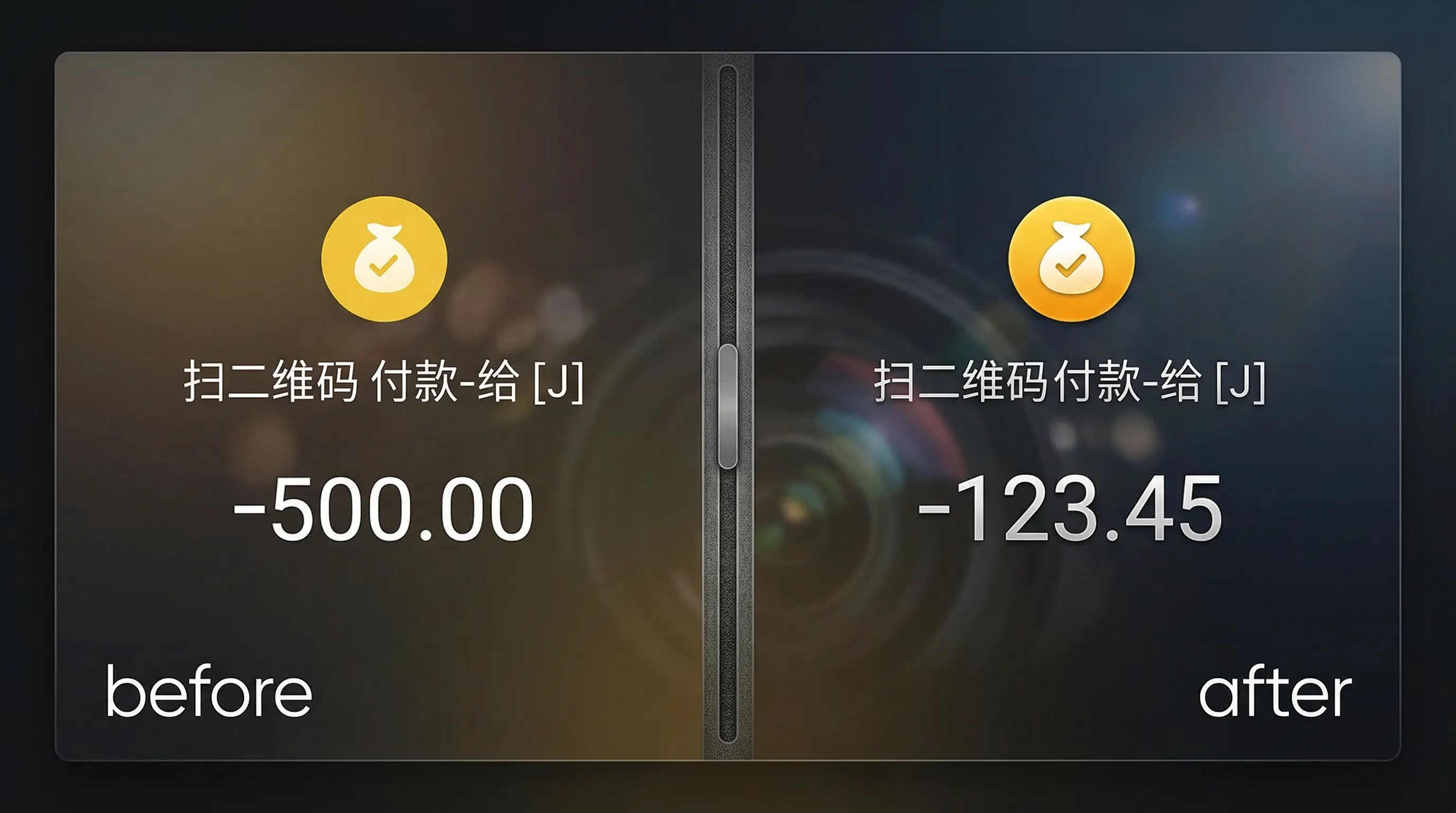
Upload a travel ticket or itinerary screenshot and edit text with a natural look. Recommended for privacy masking and corrections.
Drag & drop a ticket screenshot here to start editing
JPG, PNG, JPEG, WEBP, BMP, PDF


How to edit text in a ticket screenshot?
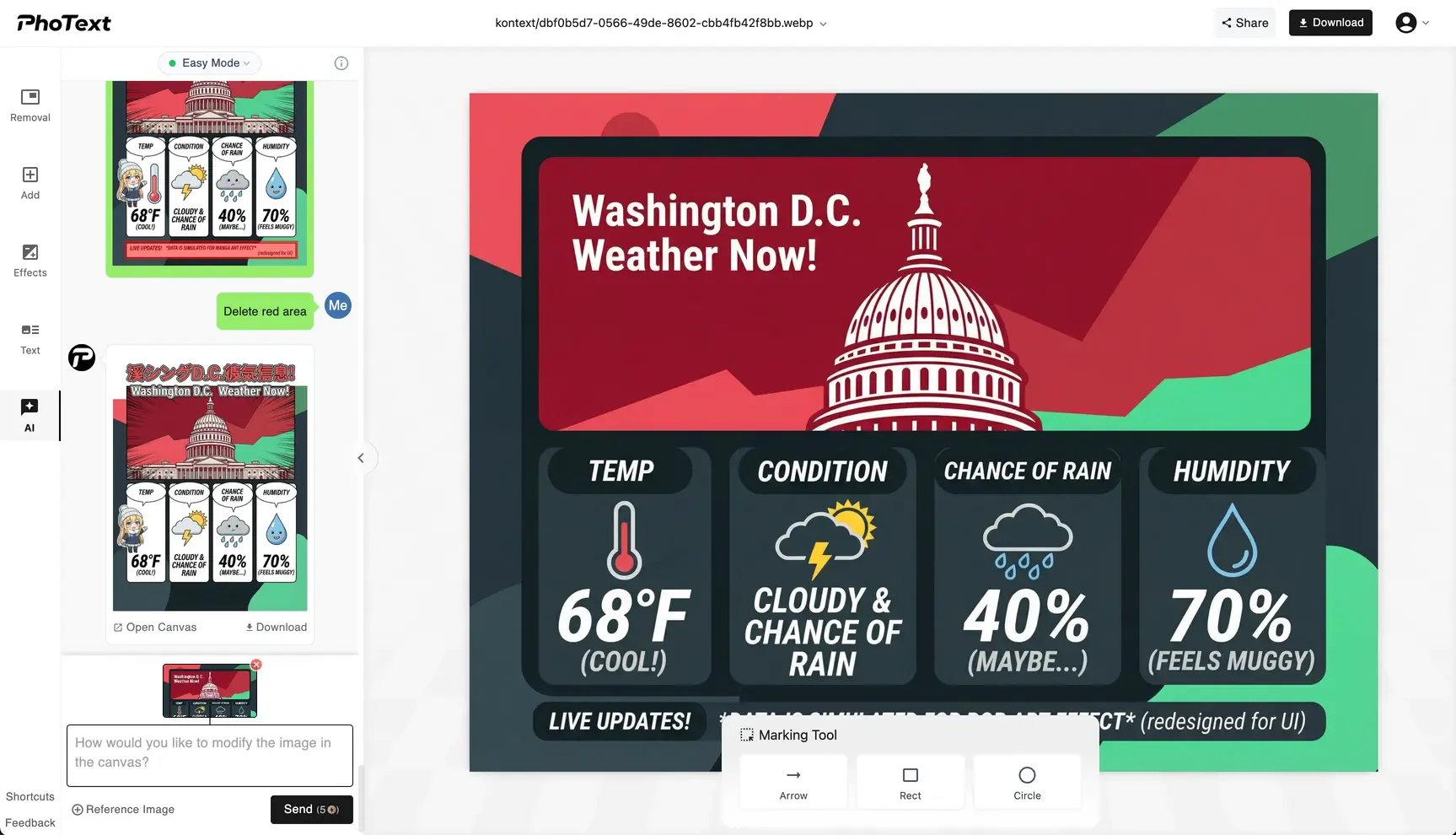
1. Upload
Upload the ticket or itinerary screenshot.
2. Edit the text
Click the text area, replace content, and adjust style and position if needed.
3. Download
Export a high-quality image after checking.
Fix key details fast
Replace names, dates, locations, and other text details for corrections and demos.
Keep it natural
Fine-tune size, color, position, and background details to match the original screenshot.
Privacy First
Our servers retain images for 30 days for logged-in users and 1 day for non-logged-in users; overdue items are permanently deleted.
Works on Web and Mobile
You can access our site via your mobile phone anywhere & anytime.