
Convert Photo to Scanned Document Online
Online Photo Scanner, Convert Photo to Scanned Document and PDF copies Online, no Printer/Scanner needed. Easy and Free.
Drag & drop an image here, or
JPG, PNG, JPEG, WEBP
After Scan


How to convert Photo to Scanned Document?
1. Upload
Click the upload button, select the target image, or drag it into the upload area;
2. Adjust Points![]()
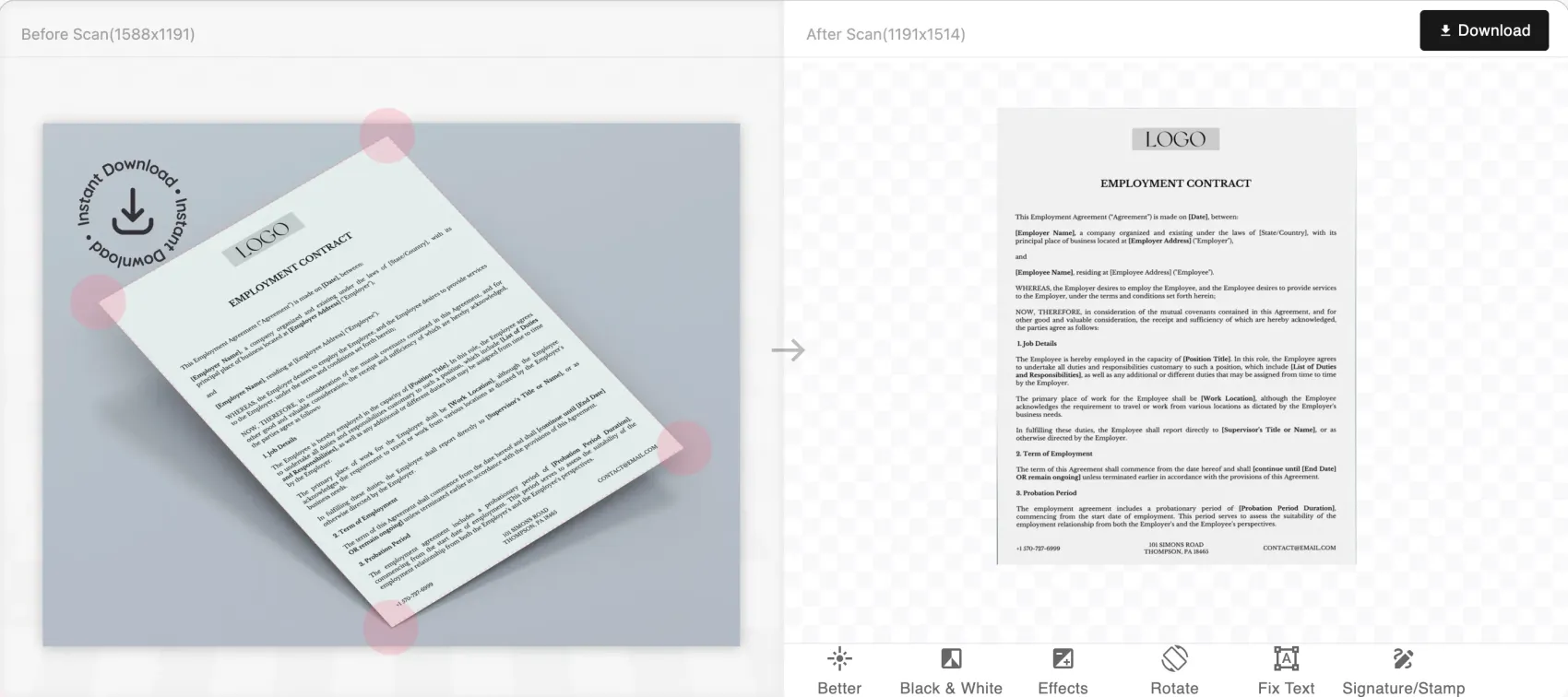
The uploaded image will appear on 'Before Scan' view with four circles forming a quadrilateral to mark the area you want to convert into a scanned document. You may need to adjust the positions of these four points. Once adjusted, the converted preview will be automatically generated. You can also perform operations like rotating the image or adding effects.
3. Download
After conversion, you can click the download button at the top right of 'After Scan' view to choose export format, supporting PNG and PDF;
Easy to Use
Automatically detect and convert, no printer or scanner needed.
Free
Completely free photo scanning functionality.
Privacy First
Our servers retain images for 30 days for logged-in users and 1 day for non-logged-in users; overdue items are permanently deleted.
Works on Web and Mobile
You can access our site via your mobile phone anywhere & anytime.