Font Finder: Identify Fonts from Images
Wondering what font that is? Upload a picture — AI identifies the font and matches free commercial-use lookalikes, ready to download.
Drag & drop an image here, or
JPG, PNG, JPEG, WEBP, PDF


Showcase
How to identify a font from an image?
1. Upload the image
Drop in a logo, poster, screenshot, or photo of a sign. JPG, PNG, WEBP and more are supported.
2. Click the text
AI detects every piece of text in the picture. Click the words you want — no need to crop or trace letters by hand.
3. Get matching fonts
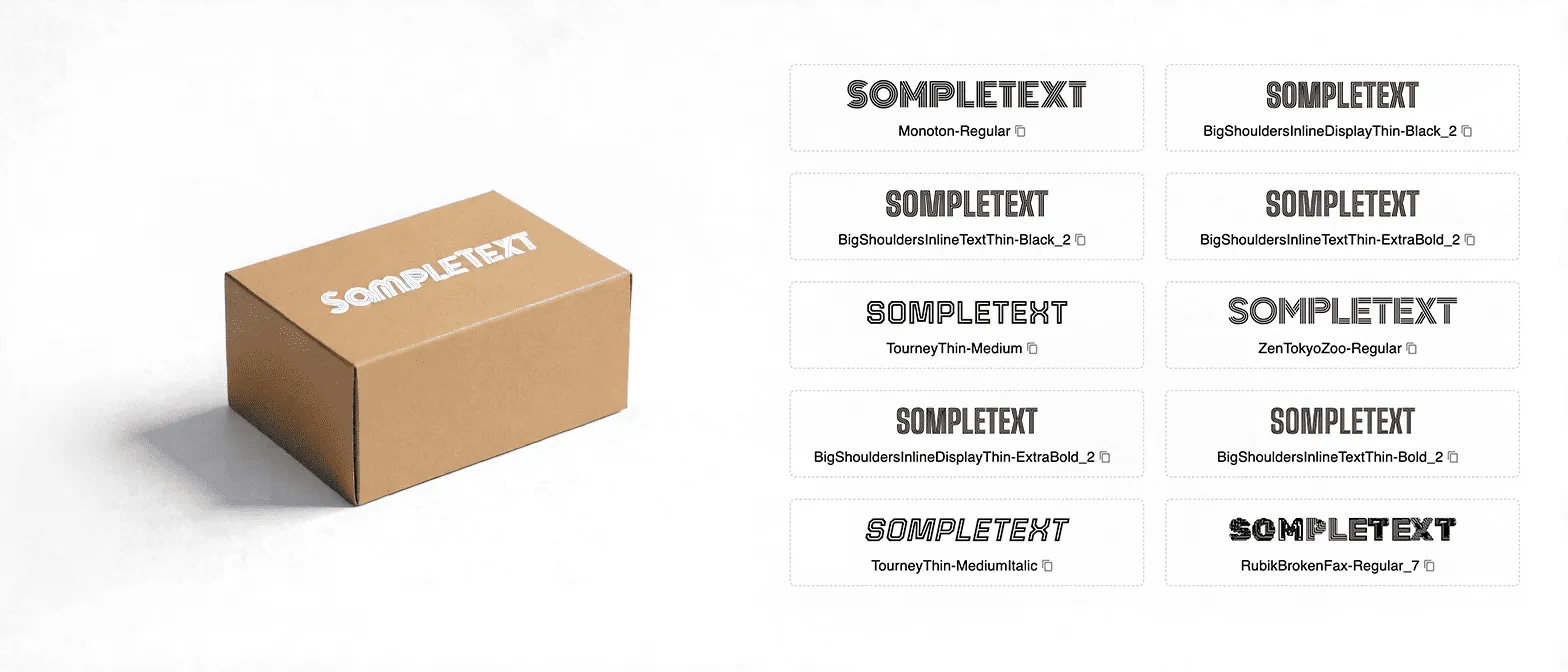
The font finder returns the closest matches with similarity scores. Every match is free for commercial use and ready to download.
Answers “what font is this?” in one click
No cropping, no typing the alphabet. Click the text in the image and AI matches it against 10,000+ fonts by glyph shapes and stroke patterns.
Free commercial-use matches
Every result links to a similar font that is free for commercial use — download it and ship it in client work without licensing worries.
Works across 20+ languages
English, Chinese, Japanese, Korean and more. Logos, posters, product labels, screenshots, and photos of signs all work.
From identifying to editing
Found the font? Open the image in our text editor and rewrite the words right in the picture with the matched font.