
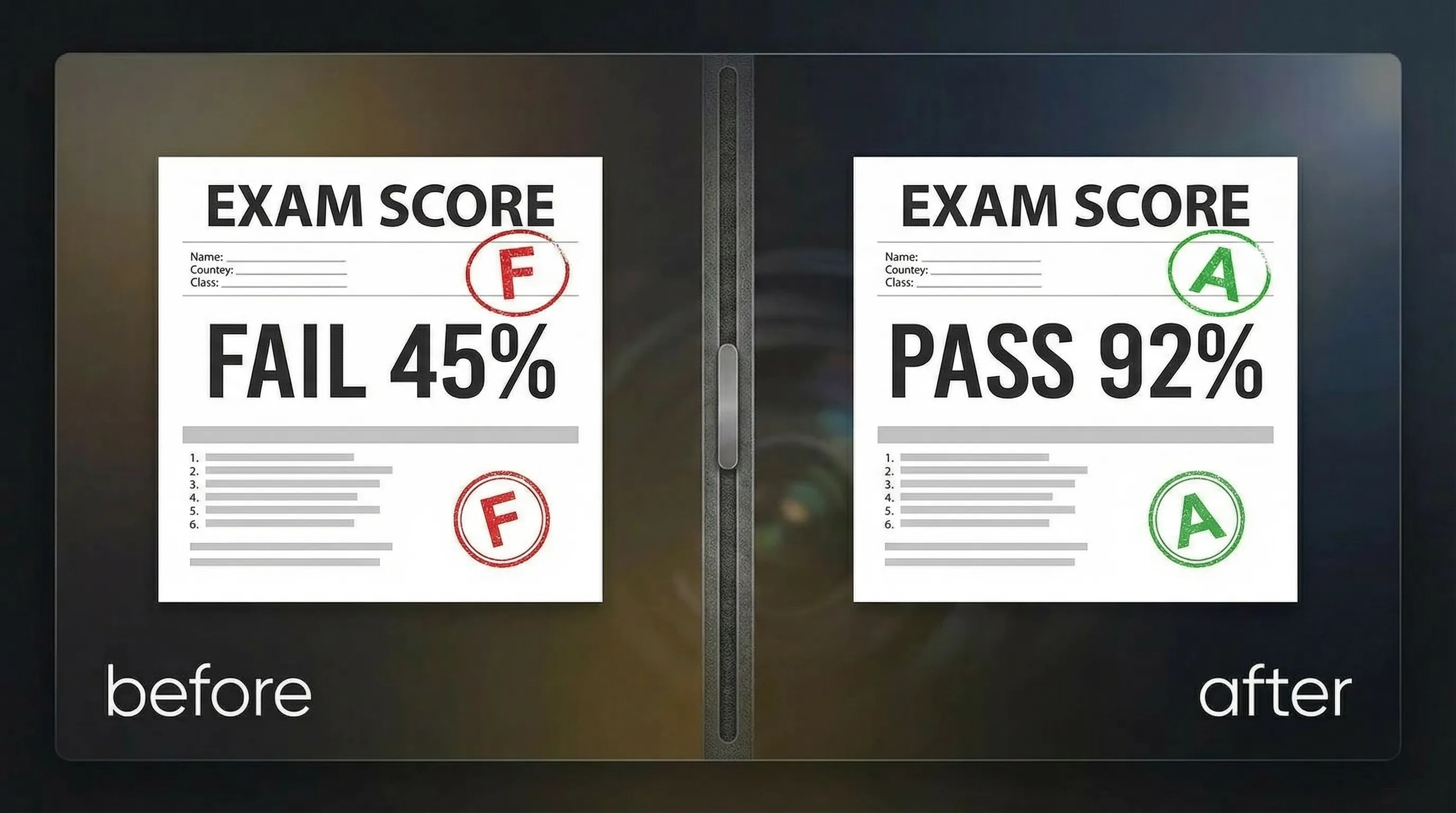
Prank exam score screenshot
Upload a screenshot, click the text, and change the content while keeping it natural.
Drag & drop a screenshot here to start editing
JPG, PNG, JPEG, WEBP, BMP, PDF


How to edit text in a screenshot?
1. Upload
Upload the screenshot you want to edit.
2. Edit the text
Click the text area, replace content, and adjust style and position if needed.
3. Download
Export a high-quality image after checking.
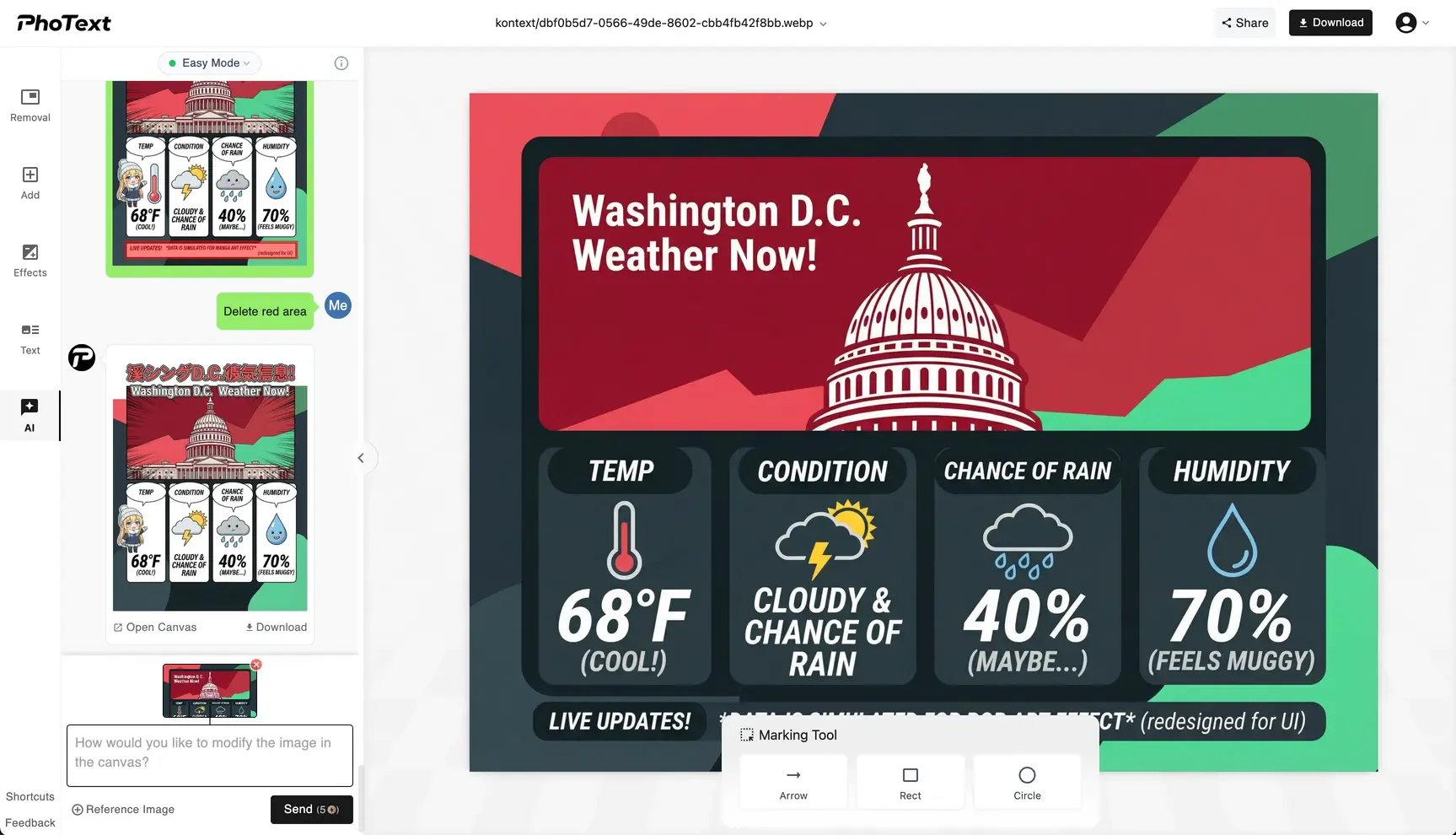
Click to edit text
Click the text area to replace content and fine-tune size, color, and position.
Keep it natural
Adjust background and layout so the edited text matches the screenshot style.
Privacy First
Our servers retain images for 30 days for logged-in users and 1 day for non-logged-in users; overdue items are permanently deleted.
Works on Web and Mobile
You can access our site via your mobile phone anywhere & anytime.