
How to Edit Text in a JPEG or PNG Image (No Layers Needed)
A JPEG or PNG is a flattened image — the text is just pixels, with no editable layer behind it. To edit it anyway, upload the file to PhoText: OCR turns the pixel text back into editable text, AI erases the original and reconstructs the background, and your new text is rendered in a matching font. The result exports as a clean JPEG or PNG again.
"But the text isn't editable in JPEG…"
Right — and that's the point of this workflow. In a design tool, text lives on its own layer and stays editable. The moment an image is exported to JPEG/PNG, that information is gone. Editing it then requires three jobs:
- Reading the text out of pixels (OCR)
- Removing the old text and rebuilding what was behind it (inpainting)
- Rendering new text that matches the original font, size, and color
PhoText does all three in one click-and-type flow.
Step 1: Upload the JPEG or PNG
Open photext.ai and upload the file. Both formats work identically; WebP is supported too.
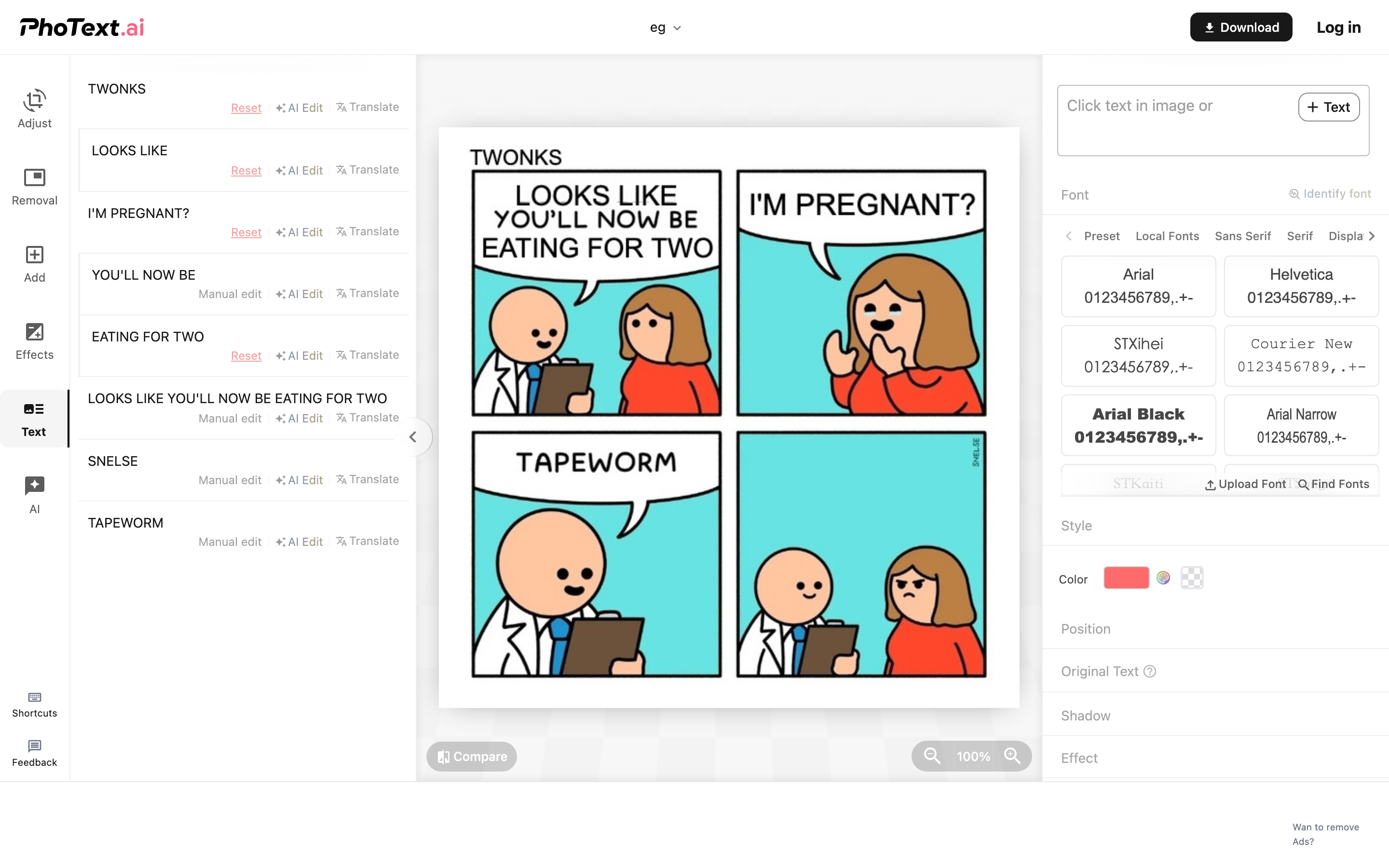
Step 2: Click the text to edit
All recognized text is clickable on the canvas. Click a block to open the editing panel — the recognized characters are pre-filled, ready to be replaced.
Step 3: Replace, restyle, or delete
- Replace: type new text; the font, size, and color are matched automatically
- Restyle: change the font, color, or add effects deliberately
- Delete: clear the content or set it transparent — combined with background restoration this removes the text entirely
Step 4: Export — JPEG or PNG?
Click Download and choose the format:
- PNG — lossless; best if the image has sharp text and flat colors, or if you need transparency
- JPEG — smaller files; fine for photos. Export at high quality to avoid compression artifacts around your new text
A note on JPEG artifacts: if the source JPEG was heavily compressed, the area around the original text may carry compression noise. The background restoration smooths this out, but starting from the highest-quality source you have always gives the best result.
Open your JPEG or PNG now: PhoText — Edit Text in Image, free.
FAQ
Does editing a JPEG lose quality?
The edit itself is performed at full resolution. To prevent generational quality loss, export as PNG, or as JPEG at high quality.
Can I edit text in a WebP or a PDF?
WebP works the same as JPEG/PNG. For PDFs, use the dedicated PDF Text Editor which edits text inside PDF files directly.
The image is a scan of a document. Will it work?
Yes — that's what the OCR is built for. For full document workflows (deskewing, enhancement, extraction), see the Image Scanner.
Why does my text look blurry after editing elsewhere and re-saving?
Repeated JPEG re-saves compound compression. Do all your edits in one session and export once, at high quality.