
How to Fix a Typo in an Image or Poster (Without the Original File)
To fix a typo in an image when you don't have the original design file, upload the flattened image to PhoText, click the misspelled text, and type the correction. The AI erases the wrong text, reconstructs the background behind it, and renders the fix in a matching font — no Photoshop, no designer, no source file needed.
This is one of the most common rescue jobs: the designer is gone, the .psd is lost, the poster is due — and there's a typo in the headline.
What you'll need
Just the final image (JPEG or PNG) and a browser. The closer the image is to its original resolution, the cleaner the result — avoid editing a screenshot of the image if you have the actual file.
Step 1: Upload the image
Go to photext.ai and upload your poster, flyer, banner, or social graphic.
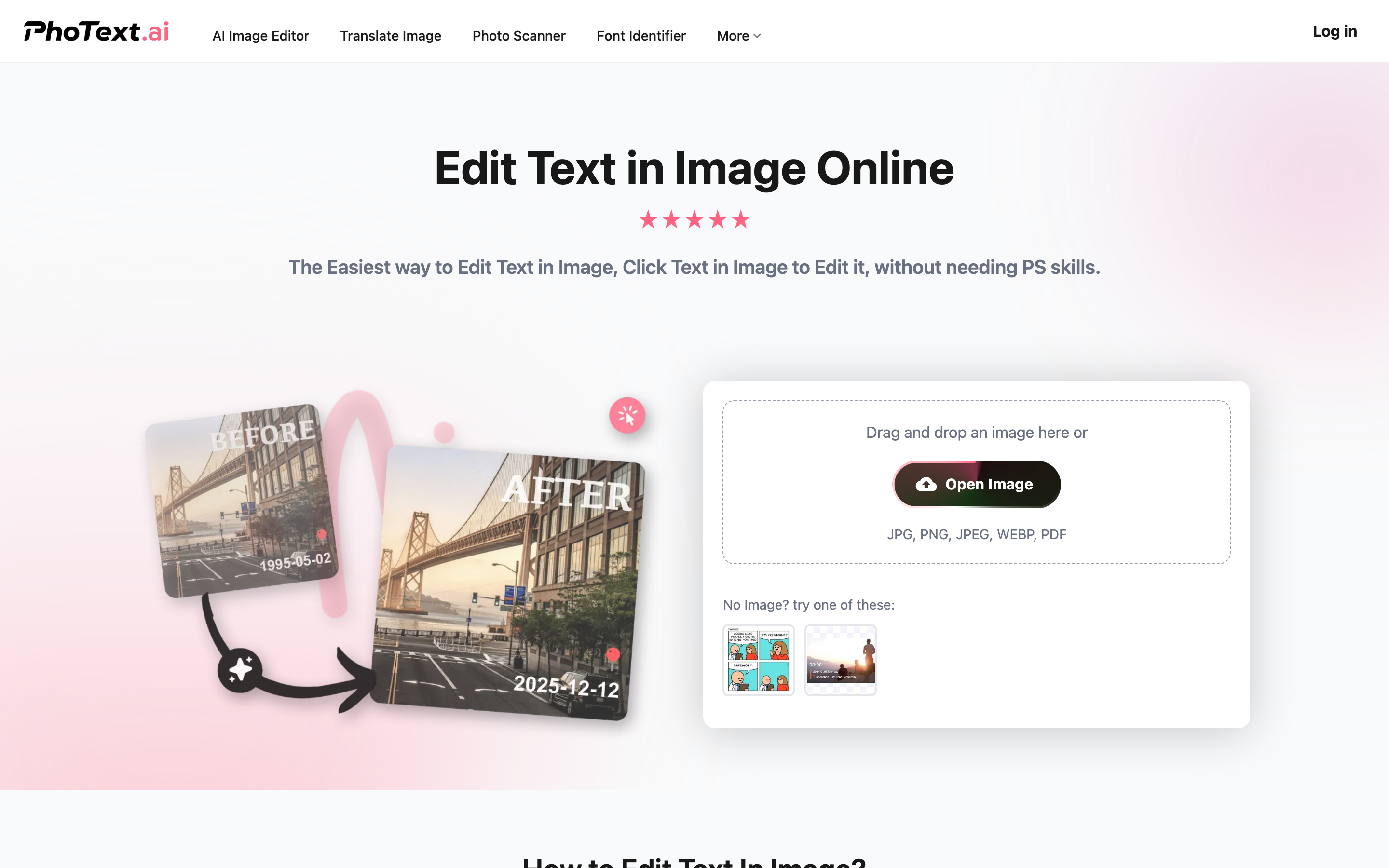
Step 2: Click the misspelled text
OCR runs automatically and every text block becomes clickable. Click the line containing the typo.
If only one word in a long line is wrong, drag-select just that word on the canvas so the edit area stays small — smaller edits mean less background to rebuild and a cleaner result.
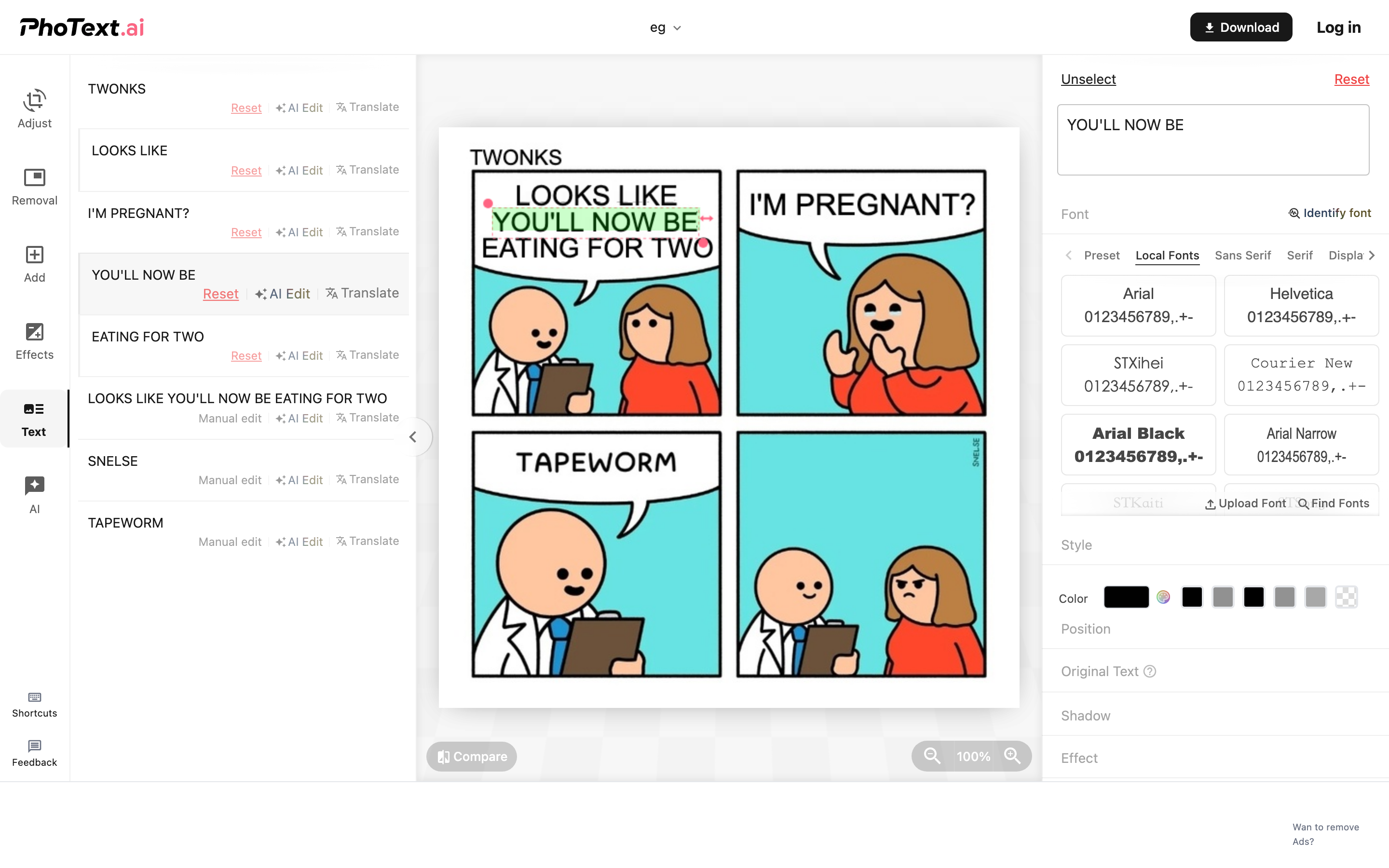
Step 3: Correct the text
Type the fixed text. PhoText matches the font automatically — for display headlines, click Identify Font to confirm the match (see the font matching guide for details).
The background restoration offers several variants generated by different algorithms. Posters often have textured or gradient backgrounds; flip through the options and pick the seamless one.
Step 4: Handle stylized headlines
Poster headlines often carry effects — shadows, outlines, perspective. Two approaches:
- Manual: recreate the effect with the editor's text effects panel (shadow, stroke, gradient, perspective)
- AI mode: use conversational AI editing — tell it "change 'Recieve' to 'Receive'" and it transfers the original styling automatically, including lighting and perspective
Step 5: Export at full quality
Click Download. The output keeps the original resolution, ready to send back to print or reschedule the post.
Fix your image now: PhoText — Fix Text in Image, free in your browser.
FAQ
Can I fix a typo in a printed poster I only have a photo of?
Yes, but photos add perspective and lighting variation. The AI editing mode handles this best since it matches perspective and gloss. Take the photo as straight-on and evenly lit as possible.
The background behind the typo is a photo, not a flat color. Will it work?
Yes — the background restoration uses AI inpainting that reconstructs photographic backgrounds. Compare the generated variants and pick the most natural one.
What if the OCR doesn't recognize the stylized headline?
Use the Removal tool to erase the headline area manually, then add a new text element on top. See How to Remove Text or Watermark from Images.
Is there a file size or resolution limit?
Standard poster resolutions (including print-ready sizes) work fine. Very large files are processed at full quality.